
Download Pwitter – Secure, Fast Twitter Client for macOS
Overview
Pwitter is a lightweight, secure Twitter client built on Cocoa for macOS. Designed with simplicity in mind, it gives you access to all core Twitter actions—reading timelines, posting tweets, replying, sending direct messages, and even tracking download status updates—without the bloat of modern social‑media suites. What truly sets Pwitter apart is its commitment to privacy: every interaction is encrypted with HTTPS, ensuring that your credentials and messages stay out of prying eyes.
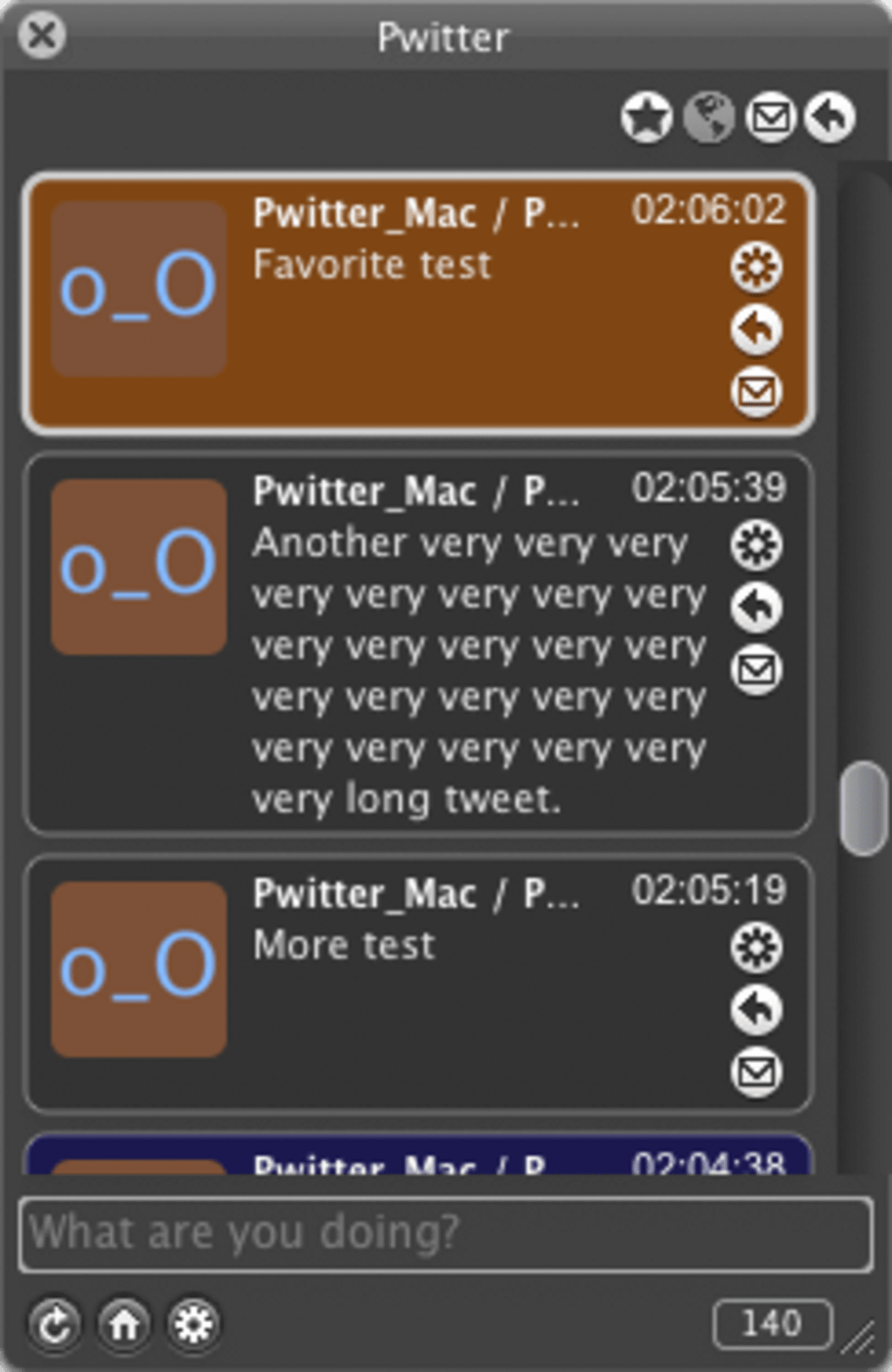
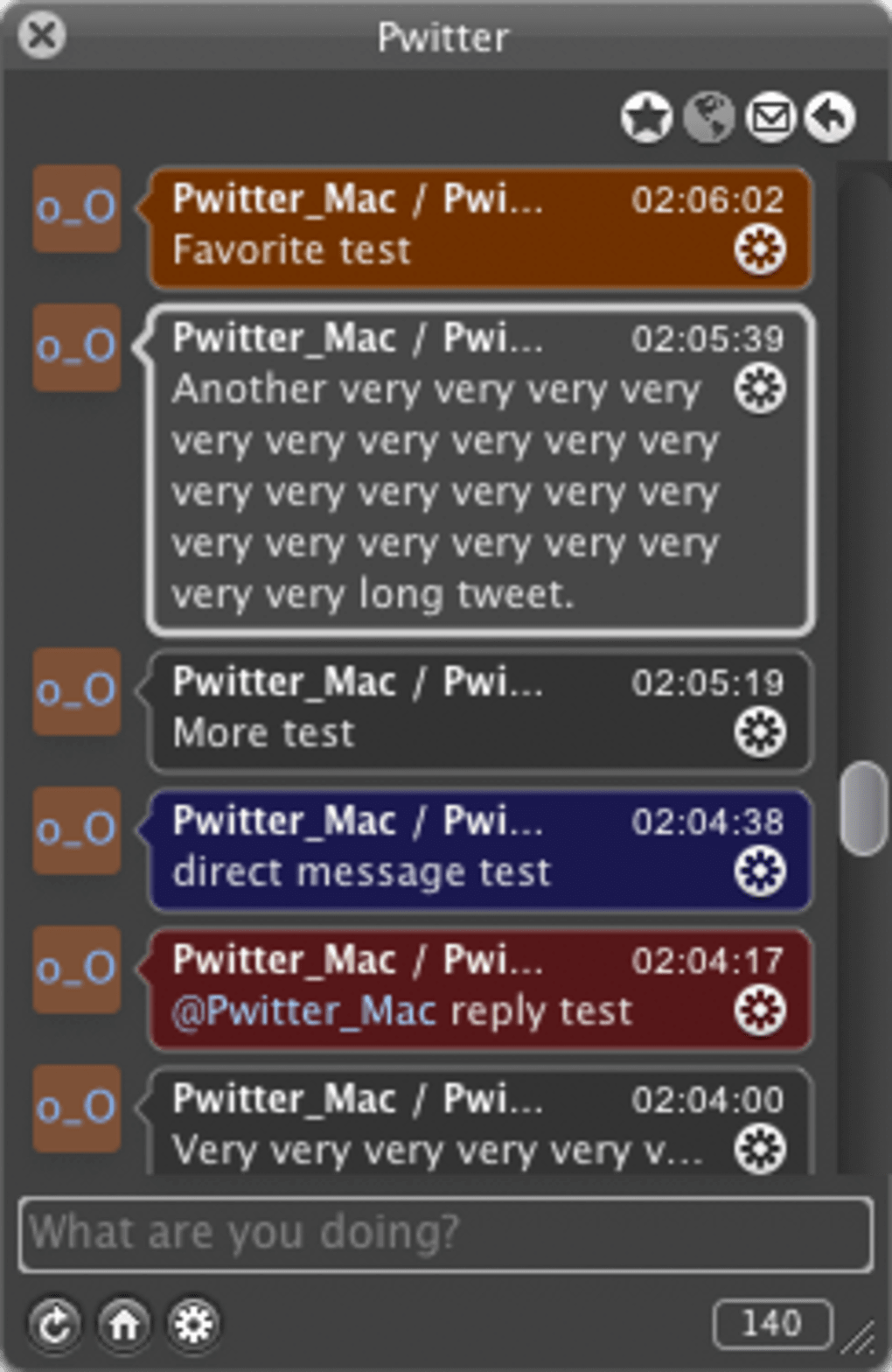
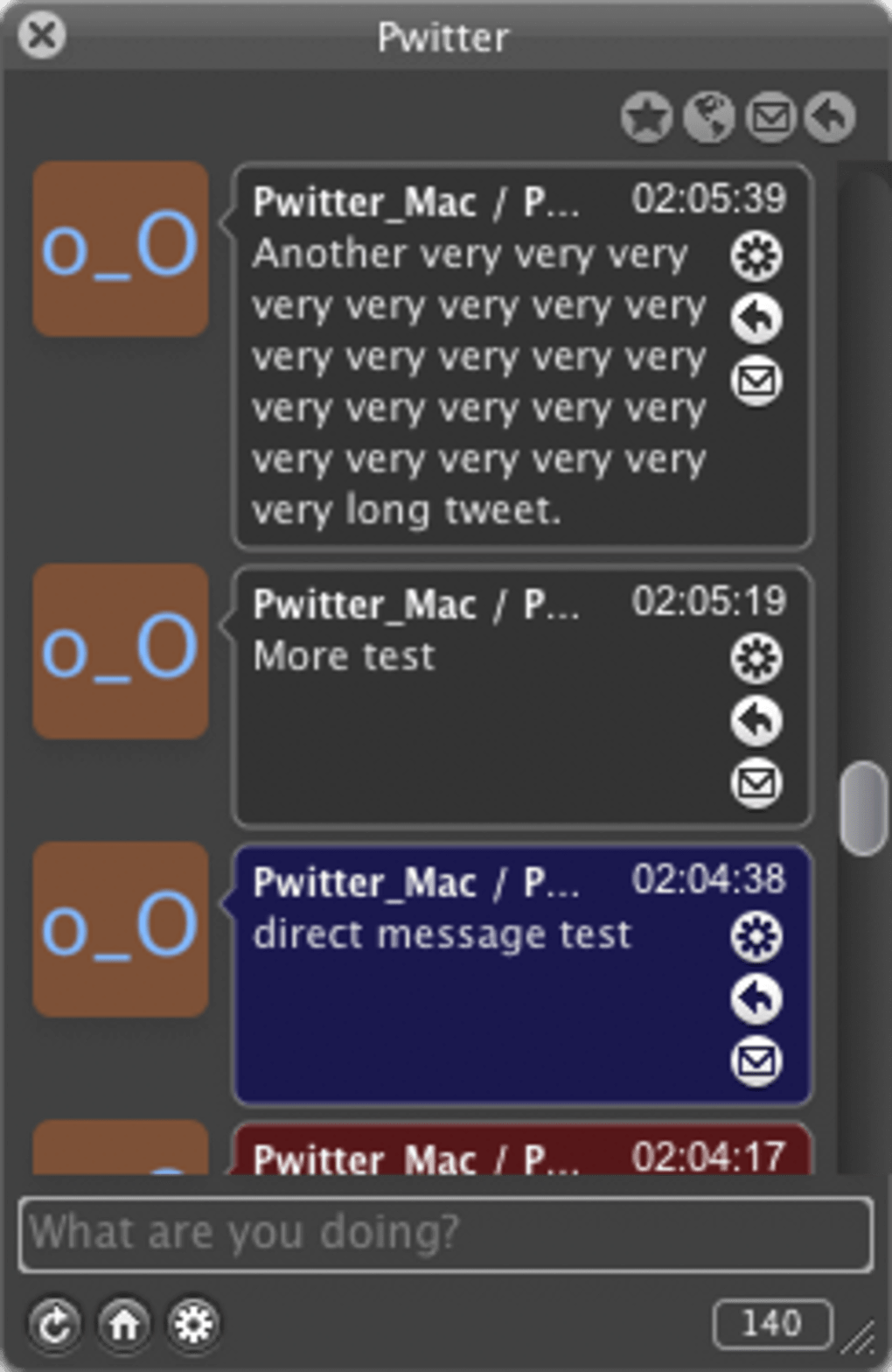
After creating a standard Twitter account, you simply enter your username and password, and Pwitter instantly pulls in the feeds you follow, displaying them in a clean main window. Navigation is intuitive; a tiny messaging icon next to each tweet lets you start a direct conversation (provided the recipient allows replies). While the interface isn’t the flashiest on the market, its speed, reliability, and strong security model make it a solid choice for power users who value privacy over eye‑candy.
You can launch Pwitter from the Dock or keep it hidden in the menu bar for quick access, and though skin‑customisation is limited, the app offers a decent range of notification settings, aside from a missing custom alert sound option. Overall, Pwitter delivers a fast, secure, and straightforward Twitter experience on macOS, perfect for anyone who wants a no‑frills client that respects their data.
Key Features & Security Highlights
- Full‑featured Twitter timeline with real‑time updates
- HTTPS encryption for all inbound and outbound traffic
- Direct messaging support with per‑user permission checks
- Post tweets, replies, retweets, and media uploads
- Menu‑bar and Dock integration for instant launch
- Customisable notification preferences (except alert sound)
- Lightweight Cocoa‑based architecture for fast performance
- Simple login using existing Twitter credentials
Security is the cornerstone of Pwitter’s design. By forcing HTTPS on every request, the client protects your authentication tokens and protects against man‑in‑the‑middle attacks that are common on unsecured networks. The app stores credentials in the macOS Keychain, meaning passwords never touch plain‑text files on disk.
In addition, Pwitter respects Twitter’s rate‑limiting policies, avoiding accidental bans while still delivering timely updates. The lightweight Cocoa framework ensures low memory usage, which translates into faster launch times and smoother scrolling through busy timelines. Although the UI lacks extensive theming options, the developer prioritized speed and privacy, delivering an experience that feels native to macOS.
Users who need a reliable tool for monitoring brand mentions, managing multiple accounts, or simply staying connected without the distractions of a full‑featured social suite will appreciate Pwitter’s balanced feature set.
Installation, Setup & Compatibility
Installing Pwitter is straightforward. Visit the official website, click the “Download for macOS” button, and the DMG file begins downloading instantly. Once the download completes, open the DMG and drag the Pwitter icon into your Applications folder. macOS may warn you about an unidentified developer; simply right‑click the app, select “Open,” and confirm you want to run it. The first launch prompts you to enter your Twitter username and password; these credentials are immediately encrypted and saved to the macOS Keychain. After authentication, Pwitter fetches the accounts you follow and displays them in the main window.
System Requirements (itemprop="operatingSystem"): Pwitter runs on macOS 10.13 High Sierra or later. Because it’s a native Cocoa application, it leverages Apple’s graphics and networking stacks for optimal performance. No additional runtimes or libraries are required, making the installation process truly “download and go.” Users on older macOS versions may experience occasional UI glitches, but core functionality remains intact. For those who prefer to keep the client out of the Dock, Pwitter offers a menu‑bar mode that runs quietly in the background, providing badge counts for new tweets and quick access to posting dialogs. The application updates automatically through the built‑in updater, ensuring you always have the latest security patches and feature improvements without manual intervention.
Pros, Cons, FAQ & Conclusion
Pros
- Strong HTTPS encryption and Keychain password storage
- Fast, responsive interface thanks to native Cocoa implementation
- All essential Twitter actions supported
- Menu‑bar and Dock launch options for flexible workflow
- Free to download with optional in‑app updates
Cons
- Limited visual customisation and no skin‑changing options
- Missing custom alert sound for new tweets
- Interface may feel dated compared to modern social clients
- Only available for macOS; no Windows, Android, or iOS versions
Frequently Asked Questions
Is Pwitter really free?
Yes, Pwitter is completely free to download and use. There are no hidden subscription fees, and all core Twitter features are available at no cost.
How does Pwitter protect my login credentials?
Credentials are encrypted via HTTPS during transmission and stored securely in the macOS Keychain, which means passwords never appear in plain‑text on your hard drive.
Can I run Pwitter on older macOS versions like Sierra?
The minimum supported version is macOS 10.13 High Sierra. Older versions may launch but could experience UI inconsistencies.
Does Pwitter support multiple Twitter accounts?
Yes, you can add and switch between multiple accounts from the preferences pane, and each account retains its own timeline and settings.
Will Pwitter receive regular updates?
The developer has committed to a quarterly update schedule, delivering security patches, bug fixes, and occasional feature enhancements.
Conclusion & Call to Action
If you’re looking for a fast, secure, and no‑frills Twitter client on macOS, Pwitter checks all the boxes. Its emphasis on HTTPS encryption, native Cocoa performance, and straightforward user experience makes it an attractive alternative to heavyweight social‑media apps that often sacrifice privacy for bells and whistles. While the visual design could benefit from a modern refresh, the core functionality remains robust and reliable. Download Pwitter today, add your Twitter credentials, and enjoy a secure timeline that respects your data. Click the button below to get the latest version instantly—your tweets have never been safer.







